
How to Make the Oh My Carne Asada Dog Video
Make a 13-second Oh My Carne Asada dog video from one photo. Compare CapCut and AI video tools, then choose whether to swap the scene or cast your pet.
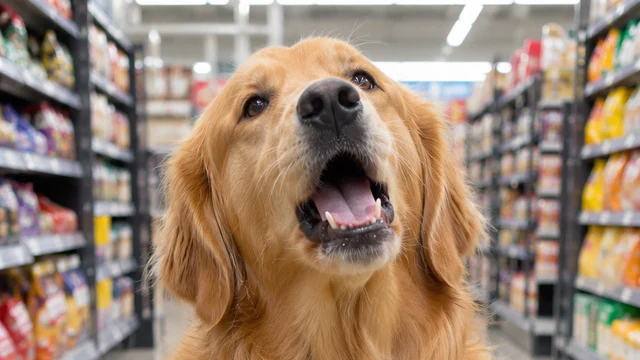
The short answer: Oh My Carne Asada is the dog meme that goes from a long howl to a wide-eyed stare and a sideways grin. Check CapCut for a matching preview first. The easy mistake here is to upload a pet photo in Change background: that mode needs a picture of the scene alone and keeps the meme dog. For Change pet and background, use one photo that already shows your pet in the setting you want. Both modes follow the same 13-second performance. The default is Kling 4.0 at 720p for 650 credits; 1080p costs 1,300.
What is the Oh My Carne Asada dog video?
In a reference post by TikTok account @editscc446, a dog faces the camera against a flat green background. It lifts its muzzle for a long howl, lowers its head into a wide-eyed stare, then shifts into a sly grin. Viewers heard “oh my carne asada” in the howl, and the phrase stuck.
You may also see it called the carne asada singing dog or singing dog meme. This guide follows the dog version and shows how to choose a scene photo, keep the reference dog, or bring a different dog into a new setting.
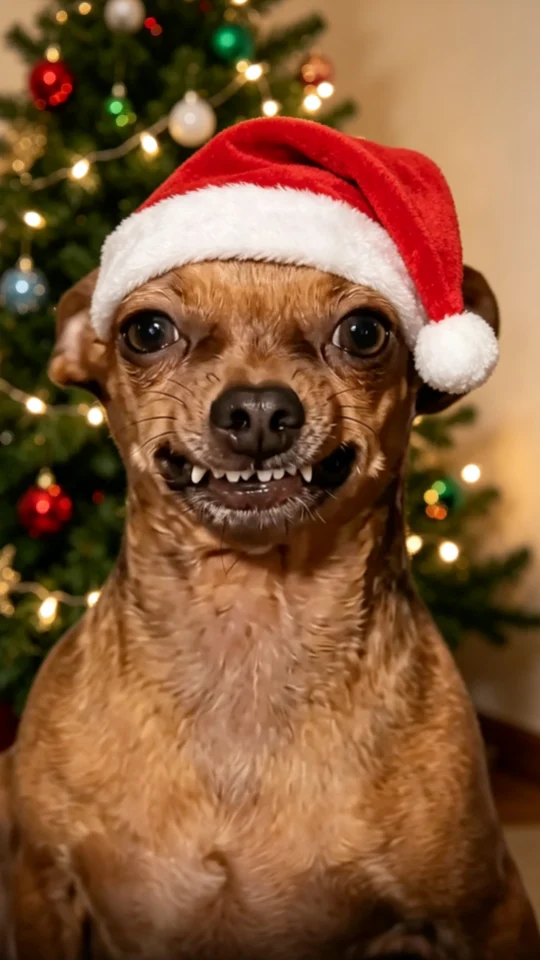
A Christmas illustration of the singing dog, one way to put the meme in a holiday setting.
What to prepare
Each mode uses one photo:
- Change background: upload a photo of the setting you want. Keep the dog out of this image; the reference dog stays in the performance. A simple scene with a clear area behind the close-up makes the dog easier to see.
- Change pet and background: upload one photo that shows your pet and the intended setting together. Choose a front-facing photo with the face unobstructed, good light, and the background visible.
Both modes follow the same reference movement. For a general video model, prepare one photo in the format you want—scene only, or dog and scene together—and a short motion reference showing the howl, stare, and grin in that order.
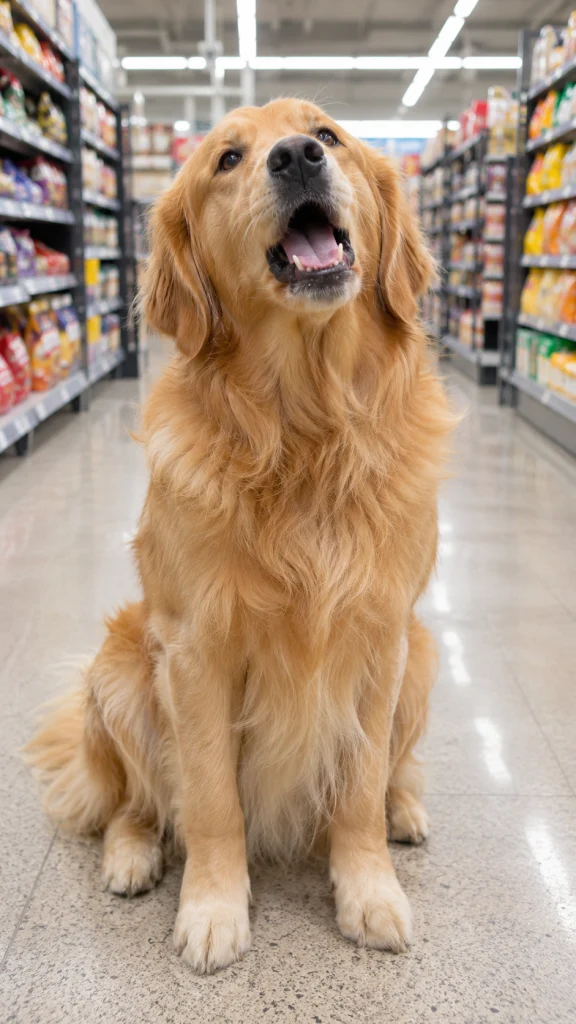
AI illustration of a one-image input for Change pet and background. The retriever and the supermarket aisle share the same frame.
Method 1: look for a matching CapCut template
Some TikTok posts show CapCut · Try this template beneath the video. If the post you find has that label, tap it and choose Use template in CapCut. You can also search inside CapCut:
- Open Template and search Oh My Carne Asada or singing dog.
- Preview the results and choose one whose dog performance, background handling, and action order match the effect you want.
- Tap Use template and check X clip to be replaced. Follow that template's prompts for the number and type of media it requests.
- If the result uses Use AI template, check the credit amount shown on that button, select the requested dog or scene photo, and tap Next.
Search may show regular edits as well as AI templates. The preview and replacement prompts tell you which kind you have. For a dog-photo slot, choose a clear image with the face visible; for a scene slot, look for a simple background with open space around the subject. Follow the selected template's own media prompts.
Method 2: use a photo and motion reference in a video model
Runway offers Seedance 2.0 on the Standard plan and above. Choose References mode. Add one photo and the reference clip. Use a scene-only image when you want to keep the reference dog, or one photo with both your dog and the intended setting when you want to change both. Assign Video 1 to movement and timing. The phases below are approximate action ranges, not edit points.
| Approximate time | What to describe |
|---|---|
| 0–5 seconds | The dog raises its muzzle and holds a long, open-mouth howl. |
| 5–8.5 seconds | It drops its head, widens its eyes and mouths the line toward the lens. |
| 8.5–13 seconds | It leans into one more open-mouth note, then settles into a sideways grin. |
Runway labels its references Image 1 and Video 1. Pick one opening instruction to put before the prompt. If your tool uses other reference names, use those names instead.
- Background only: Use Image 1 for the scene and keep the dog from Video 1.
- Pet and background: Use Image 1 for both the pet and the scene in the same photo.
Use Video 1 for movement and timing.

Create one continuous vertical 9:16 close-up. Keep the camera steady and the selected animal centered in the chosen scene.

0–5 seconds: the animal tips its muzzle upward and holds a long, open-mouth howl.
5–8.5 seconds: the animal lowers its head, looks into the camera with wide eyes and mouths the line.
8.5–13 seconds: the animal tilts its head through a final open-mouth note, then settles into a sideways grin.

Keep the selected animal and setting consistent throughout. Do not add people, props, captions, lettering, logos, or scene changes.
Runway's Seedance 2.0 guide describes image and video references and supports clips up to 15 seconds, so the 13-second sequence can be given as one request. Seedance 2.0 generates video with synchronized sound. To use your own music, download the clip and swap the audio track in an editor.
Method 3: follow the performance with the template here
- Open the Oh My Carne Asada template.
- Choose Change background to keep the reference dog and upload one photo of the scene. Choose Change pet and background to upload one photo that contains both your pet and the setting you want.
- The template uses Kling 4.0. The default is 720p for 650 credits; 1080p costs 1,300 credits. Check the quote after choosing a resolution. The video includes sound by default; tick No song to remove all sound without changing the quote.
- Preview the result in Your videos and download the MP4.
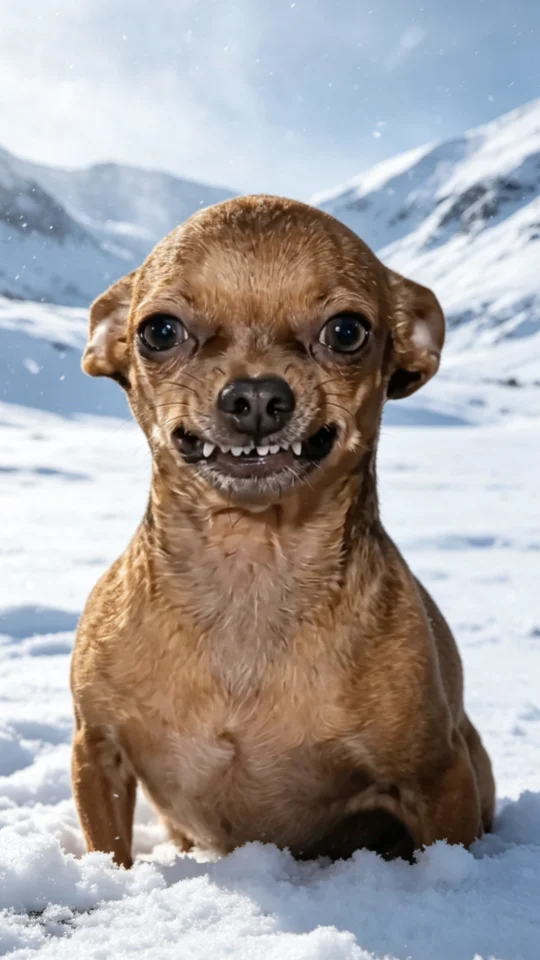
A snowy-scene illustration for Change background. Upload a photo of the snowy setting by itself to keep the reference dog.
Which route fits your video?
| Route | What you provide | Cost to check | Best fit |
|---|---|---|---|
| CapCut | The media requested by the matching template | For an AI template, check the credits on Use AI template. | Its preview matches the dog's expressions and timing. |
| Video model | One dog photo, a motion reference, and a prompt | Check the selected model's quote before generating. | You want to direct the framing or action timing. |
| Template here | One scene photo, or one pet-and-scene photo | Kling 4.0 defaults to 720p for 650 credits; 1080p costs 1,300. No song does not change the quote. | You want the reference movement with a scene you choose, with the reference dog or your own pet. |
If the result looks off
- The background is busy: use a simpler scene photo with a clear area where the close-up dog can sit.
- The wrong animal appears: use Change pet and background with a single photo that shows your pet and the setting together. To keep the reference dog, choose Change background and upload only the scene.
- The action order changes in a general model: give the howl, wide-eyed stare, and grin their own timed lines in the prompt.
- The CapCut result looks different: preview its opening and ending before generating; choose a result with the same dog performance and a background that fits your goal.
FAQ
When should I choose 1080p?
Pick 720p when you are checking the crop and the timing for the first time. Consider 1080p if the source photo is sharp and you want more room to crop the finished video. A higher resolution cannot recover details hidden or blurred in the photo.
Sources
- TikTok, @editscc446, green-screen singing dog post.
- CapCut Help, How to Use Templates in CapCut? and How Can I Use the Credits?
- Runway Help, Creating with Seedance 2.0.
Make an Oh My Carne Asada dog video
Choose a scene for the reference dog or your pet, follow the 13-second performance, and check the quote before generating.