Hotel Lobby CapCut Template and AI Apps
Compare the Hotel Lobby CapCut template with general AI apps: what each can do, where they fall short, and how to make a two-photo version in the orange studio.
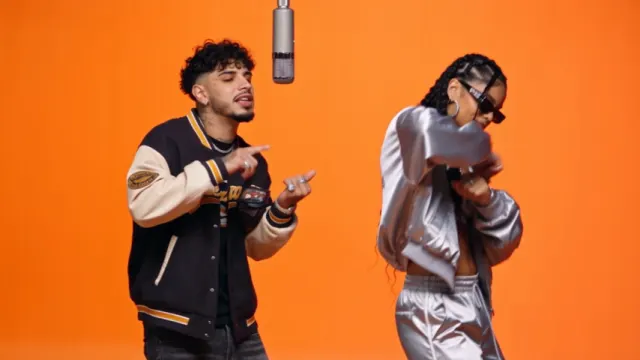
The short answer: For a Hotel Lobby video, choose a CapCut template with the orange-studio performance you want and add the media it requests. AI character templates use photos to generate the performers. General AI tools give you control over the reference clip and scene; the template here takes two photos for the left and right roles.
This page compares the two routes, then shows a third option: a two-photo template that generates a new performance in the orange studio. If you want the trend story first, read what the Hotel Lobby AI rap video is.
What a Hotel Lobby CapCut template is
Editing templates arrange photos or clips; AI character templates use photos to generate a performance. Watch the preview to choose the scene and actions you want, then use the template to see its media requirements.
How to use a CapCut template
- Open CapCut and tap Template.
- Search Hotel Lobby.
- Choose a result and tap Use template.
- CapCut shows X clip to be replaced. That number is the count of media slots. Follow the prompts to replace each slot with the photo or video it asks for.
Some TikTok videos also have CapCut · Try this template. Tap it, then choose Use template in CapCut. For an AI template, tap Use AI template. Select the character photo or photos requested by that template and tap Next. The Use AI template button shows the credits for that template before you continue.
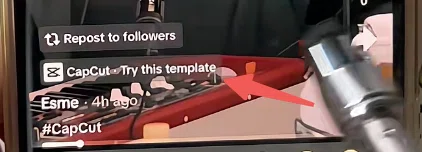
The CapCut · Try this template label under a TikTok video.
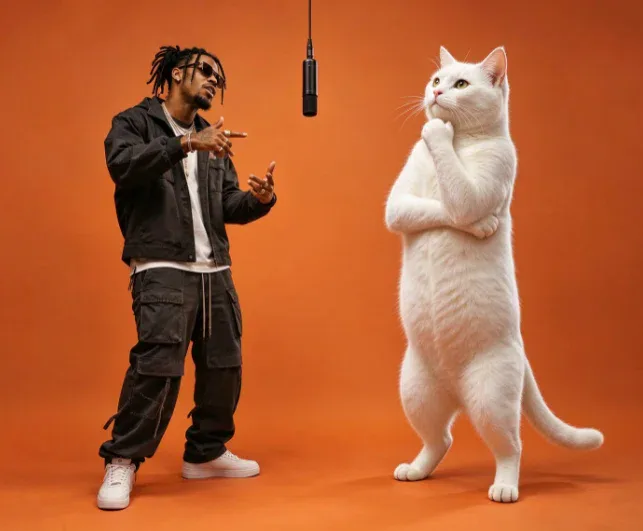
An example of a new Hotel Lobby performance in the orange studio.
What general AI apps do differently
To follow an existing duet, use the performance clip as the movement and camera reference. Choose a mode that accepts references for both performers, assign the left and right photos, and keep the orange studio in the scene instructions. For a new scene, describe the room, hanging microphone, positions and how the two performers take turns.
Two tools offer different ways to work with a performance reference:
- Higgsfield Genjutsu transforms an existing video with image references, using motion-transfer or object-swap modes. Start with the duet clip and the people you want in it.
- Runway Act-Two takes a driving performance video and a character image or video. Its multi-character workflow processes each performer separately, then composites the results. Plan the two parts before assembling the duet.
Which route fits
- You want a creator's prepared edit. Choose a CapCut result whose preview and replacement prompts match the scene and media you have.
- You want to change or generate a performance. Choose an AI video mode that accepts your photos or clips and shows the kind of result you want.
- You want two people in a fixed orange studio and a quote before you generate. Use the two-photo template below.
- You have one group photo. Check whether the selected mode accepts it or lets you choose a person; otherwise, prepare a separate photo for the intended subject.
- You only want to watch the trend. Search “AI Hotel Lobby rap” on TikTok.
How to make it from two photos
Rap AI Video's Hotel Lobby template is the two-photo route. It keeps the orange room, the hanging microphone and the two-person blocking, but generates a new 10-second performance from your photos.
- Open the Hotel Lobby template.
- Add two photos. One goes on the left, one on the right; separate photos are fine.
- Choose how to perform it. Perform this rap follows the reference performance. Create your rap generates a new rap from your topic.
- Check the quote and generate. The form shows the credit total before you submit.
- Review and download the MP4. Check the faces, the roles, the sound and the framing.
At 720p, the 10-second version is 1,000 credits. Create your rap uses the cheapest first-frame model and starts at 160 credits for 10 seconds at 720p. The pricing page has the current packs.
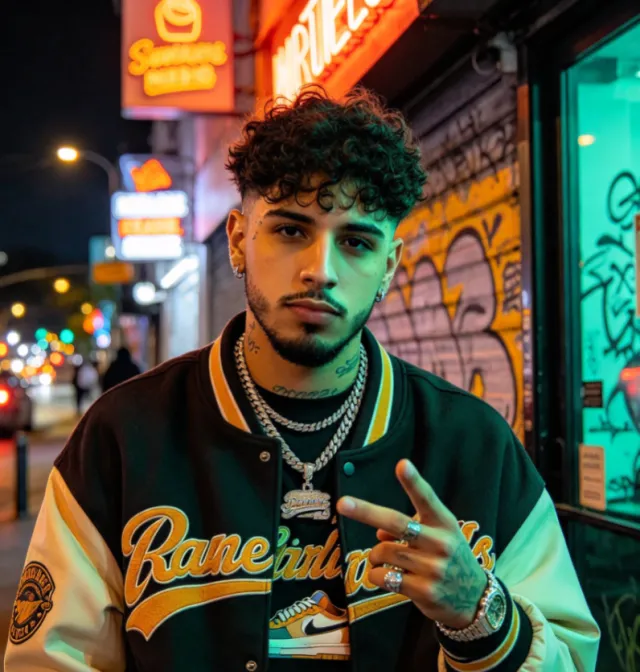
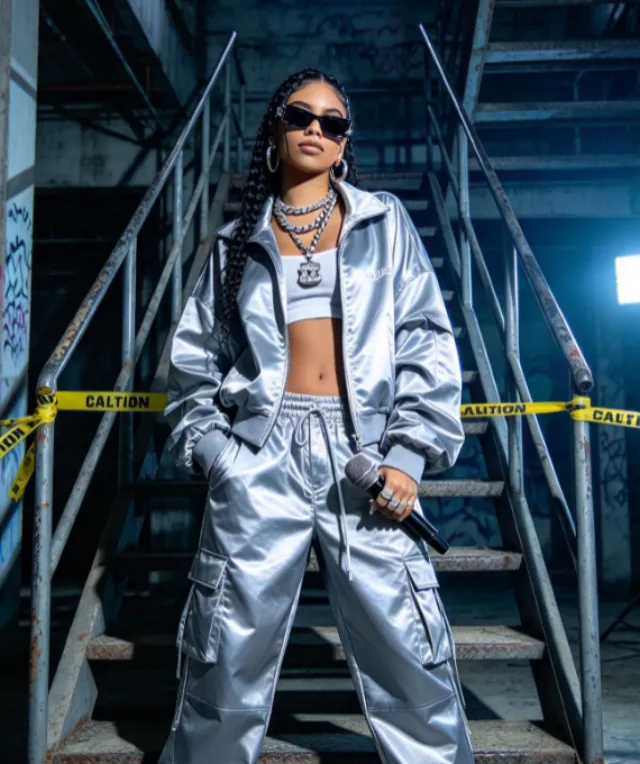
Two separate photos are enough; the template labels the left and right roles.
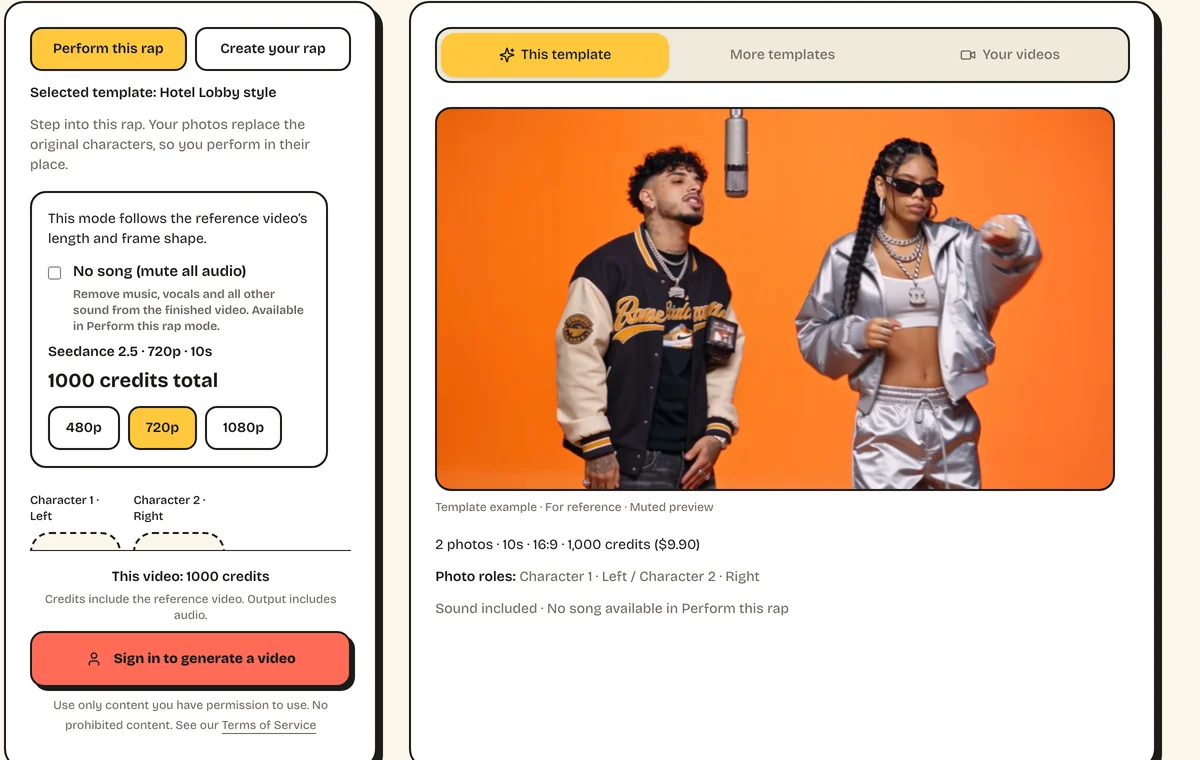
The Hotel Lobby template page: two photos, the two modes and the quote.
Sources
CapCut Help: “What Are Credits in CapCut?”; Higgsfield: “Genjutsu”; Runway: “Performance Capture with Act-Two”, “Creating Multi-Character Dialogues with Act-Two”.
Make your Hotel Lobby video
Add two photos, check the quote, and download a 10-second clip.