
Burning Bridge AI rap video: bring two faces to the party
Upload two photos to cast yourself and a friend in the foreground and background of the Burning Bridge party scene.
2 photos · 20s · 16:9 · 480p · 1,000 credits (≈$9.90)
Make my Burning Bridge video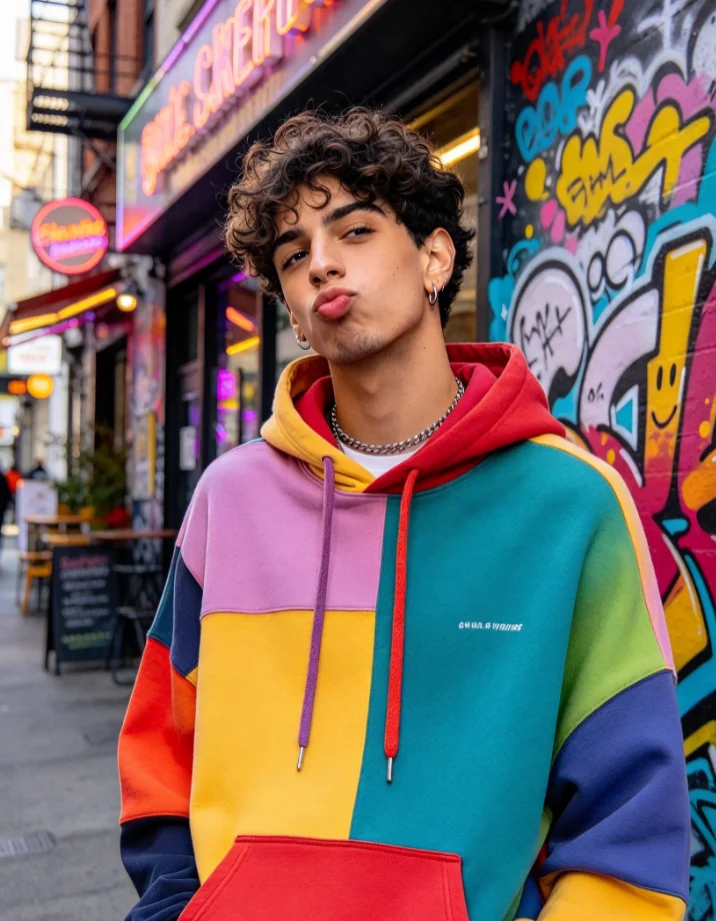
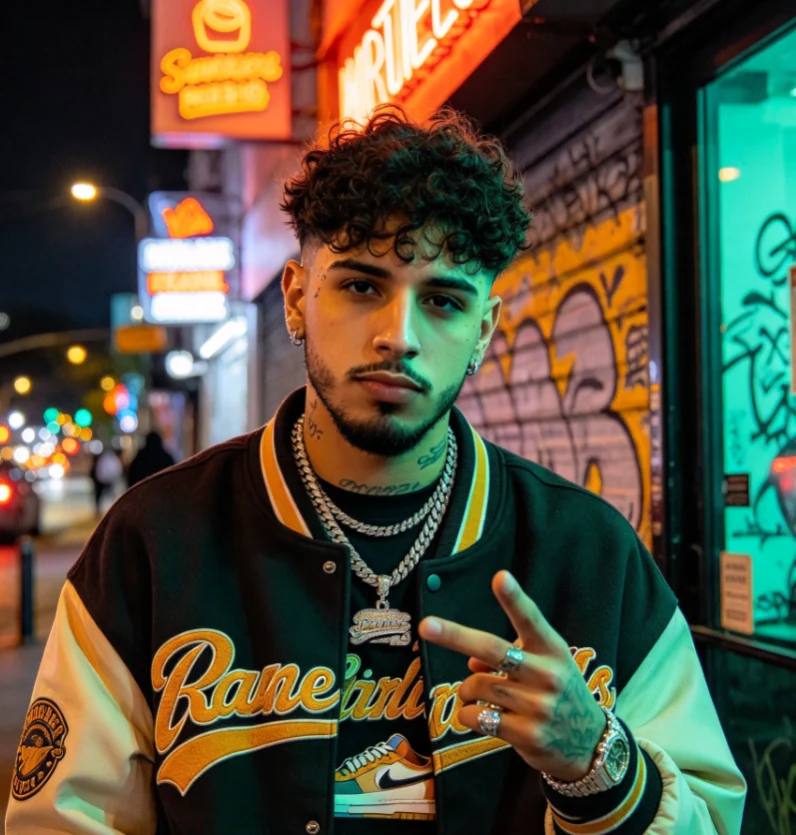
Input photo
1 Foreground · 2 Background
How to make a Burning Bridge rap video
To make a Burning Bridge AI video on Rap AI Video, upload two clear photos for Perform this rap, foreground first and background second. Create your rap uses one foreground photo and your topic. Review the quote and generate using the supplied scene.
Add the photos
For Perform this rap, upload the foreground photo first and the background photo second. Create your rap uses one foreground photo.
Choose the mode and check the quote
Step into the performance, or write your own rap in the same scene. The credit total updates before you generate.
Preview and download
Watch the finished clip in Your videos, then download the MP4.
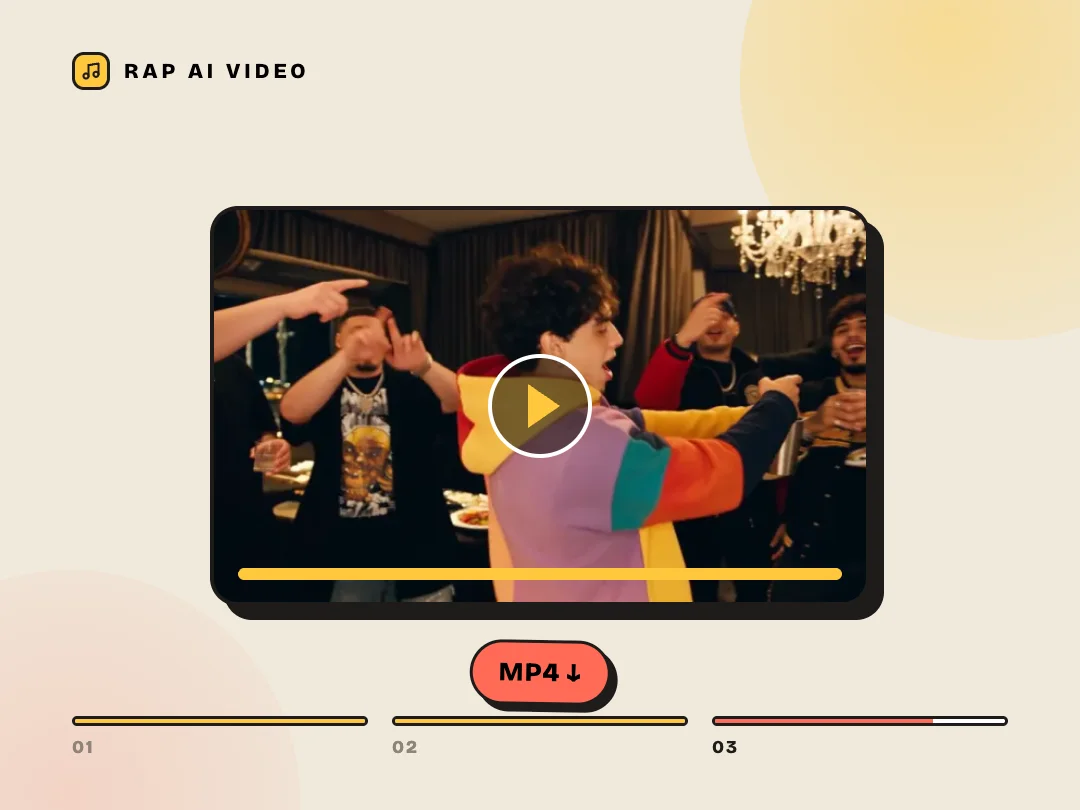
What carries over from the Burning Bridge party clip
For Perform this rap, use two clear, front-facing photos: foreground first, background second. Create your rap uses one foreground photo. Use photos with permission; generated details can vary.
What follows the template
- The party-room setting and the surrounding crowd guide Perform this rap.
- The template guides the camera movement and performance layout; small details can vary.
- The audio, unless you tick No song.
Changes
- Photo 1 supplies the foreground performer; photo 2 supplies the background performer.
- The order of your two photos determines who takes each role.
- Create your rap uses one foreground photo and generates a new performance in the scene.
Two ways to perform in the Burning Bridge scene
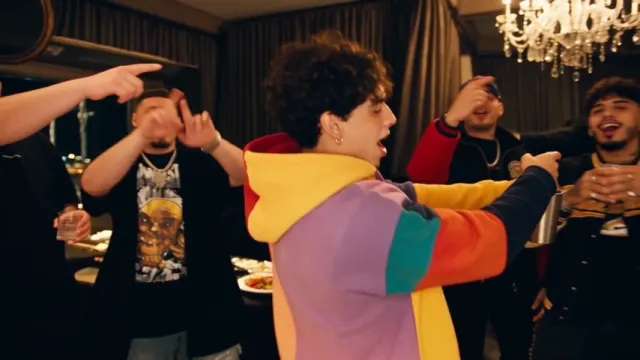 Template example
Perform this rap
Put two people into the Burning Bridge performance: photo 1 goes in front, photo 2 behind. This mode follows the 20-second reference and its audio; No song removes all sound from the finished clip.
2 photos · 20s · 16:9
1,000 credits at 480p (≈$9.90)
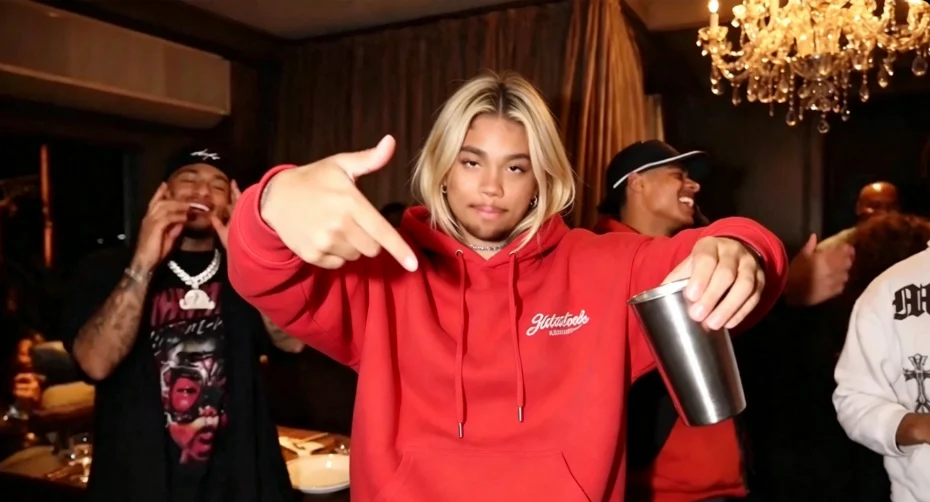 Same scene, new vocals
Create your rap
Use one photo for the foreground performer in the party scene. Set your topic, mood and language for a new rap, then choose the model, duration and resolution. This mode does not use the second photo or the fixed 20-second performance.
1 photo
From 160 credits for 10s at 720p with Seedance 2.0 Mini (≈$1.58). Default: Seedance 2.5, 500 credits (≈$4.95).
Perform this rap includes the template's reference clip and audio; Create your rap is priced per second. Switch modes in the workspace above.
Burning Bridge video costs by mode and resolution
Perform this rap
The quote for this AI rap video depends on resolution. The USD figure uses the $9.90 entry pack for 1,000 credits; packs with bonus credits lower the per-clip cost. Each price includes the cost of the template’s built-in 20-second reference video.
| Resolution | Credits | Approx. USD |
|---|---|---|
| 480p | 1,000 | $9.90 |
| 720p | 2,000 | $19.80 |
| 1080p | 5,000 | $49.50 |
Create your rap
From 160 credits for 10s at 720p with Seedance 2.0 Mini (≈$1.58). Default: Seedance 2.5, 500 credits (≈$4.95).
Compare the credit rates for each model and resolution below. Choose your settings in the rap video generator to see the total for your clip. The final quote is shown before generation.
| ModelCredits / billable second | 480p | 720p | 768P | 1080p | 2K |
|---|---|---|---|---|---|
| Seedance 2.0 Mini | 8 | 16 | — | — | — |
| Seedance 2.0 Fast | 13 | 26 | — | — | — |
| Seedance 2.0 | 16 | 32 | — | 80 | — |
| Seedance 2.5 | 25 | 50 | — | 125 | — |
| MiniMax H3 | — | — | 16 | — | 32 |
One-time credits, no subscription. No song is the same price. See all credit packs
Choose credits for your Burning Bridge video
Buy a one-time credit pack with no subscription. Credits never expire. The generator shows the total for your selected video before you submit; check that quote to see whether your balance covers it.
Single
≈ $9.90 / 20 s template clip
1,000 credits
- Video preview and MP4 downloads
- Credits never expire
Creator Pack
≈ $9.06 / 20 s template clip
3,300 credits
Includes 300 bonus credits- Video preview and MP4 downloads
- Credits never expire
Studio Pack
≈ $8.33 / 20 s template clip
12,000 credits
Includes 2,000 bonus credits- Video preview and MP4 downloads
- Credits never expire
Pro Pack
≈ $7.69 / 20 s template clip
52,000 credits
Includes 12,000 bonus credits- Video preview and MP4 downloads
- Credits never expire
Max Pack
≈ $6.67 / 20 s template clip
150,000 credits
Includes 50,000 bonus credits- Video preview and MP4 downloads
- Credits never expire
Per-clip estimates use 20-second 480p template clips: 1,000 credits each.
Failed generations are not charged
Secure checkout with Stripe · One-time purchase · No automatic renewal
Inside the Burning Bridge party template
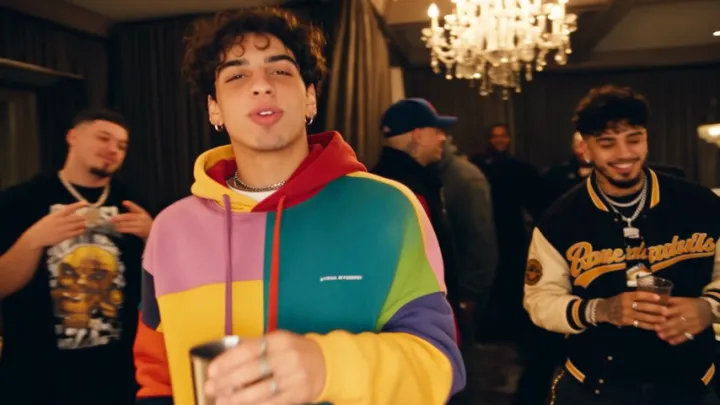
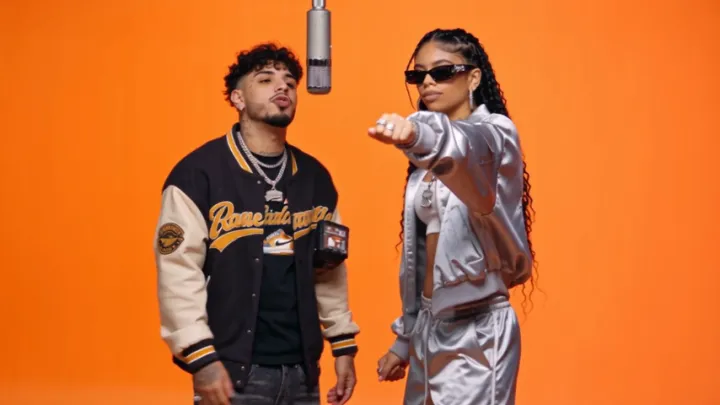
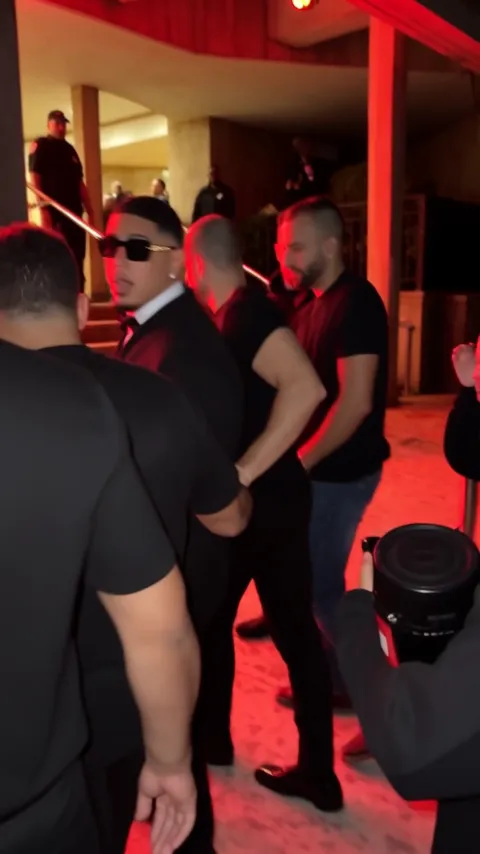
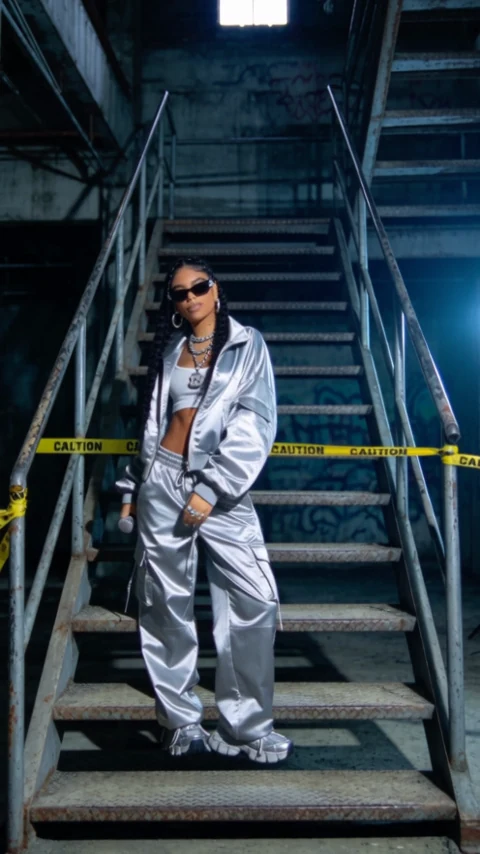
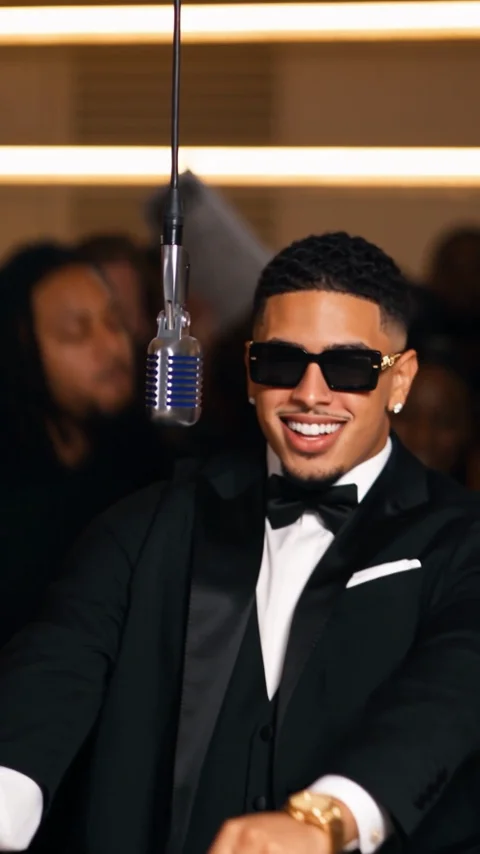
The party scene comes from Drake’s “Burning Bridges” music video, released on 15 May 2026. A chandelier hangs above the crowd, with a performer close to the camera and another role behind.Drake — Burning Bridges
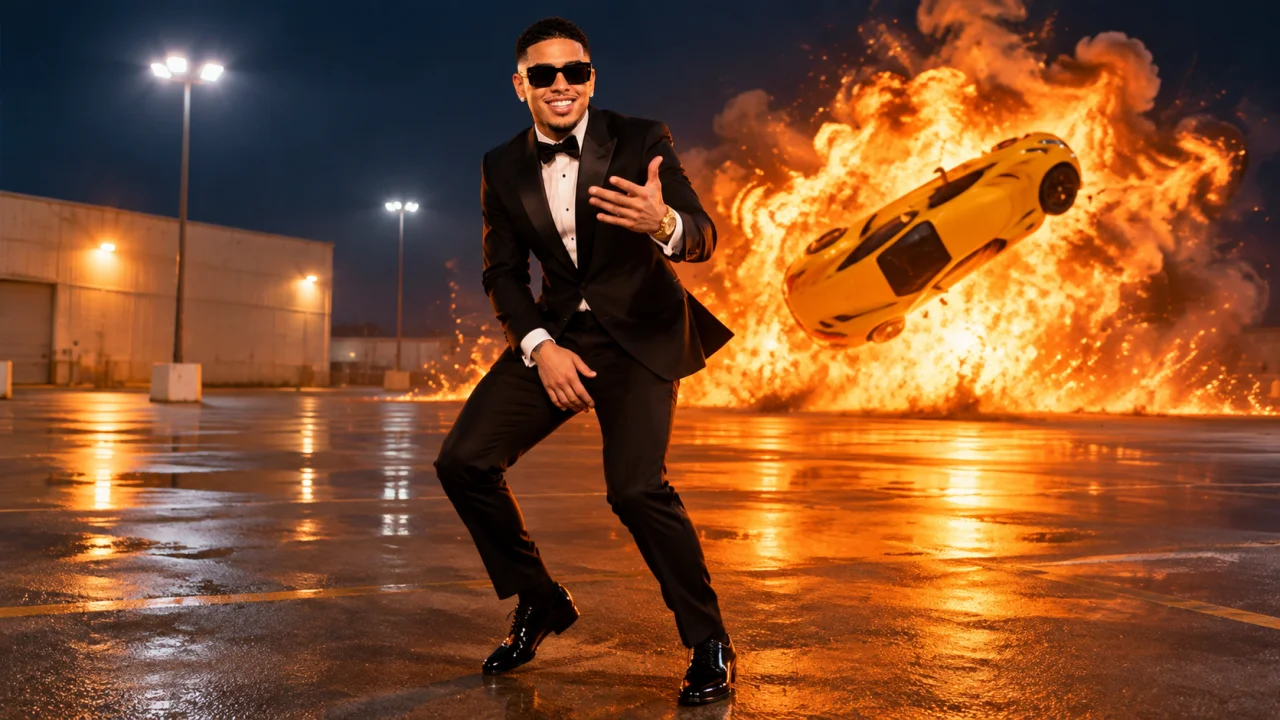
Use two photos for the 20-second template performance, or one foreground photo and a topic to create a new rap in the party scene.
Timeline
15 May 2026
Drake releases the “Burning Bridges” music video, including its crowded party setting.
Burning Bridge AI rap video questions
Burning Bridge AI Rap Video Guides
Explore the trend, character ideas, and ways to make your own video.
Burning Bridge AI Rap Video: The Party Meme
What is the Burning Bridge AI rap video? Find the Drake party scene behind the meme, how the AI versions spread, and six ideas for your own performance.
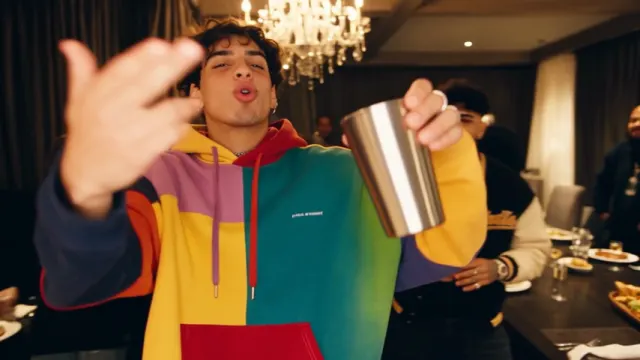
Burning Bridge CapCut Template vs AI Apps
Find a Burning Bridge CapCut template by its preview, compare AI video routes, and choose between a two-photo party performance and a new rap from one photo.
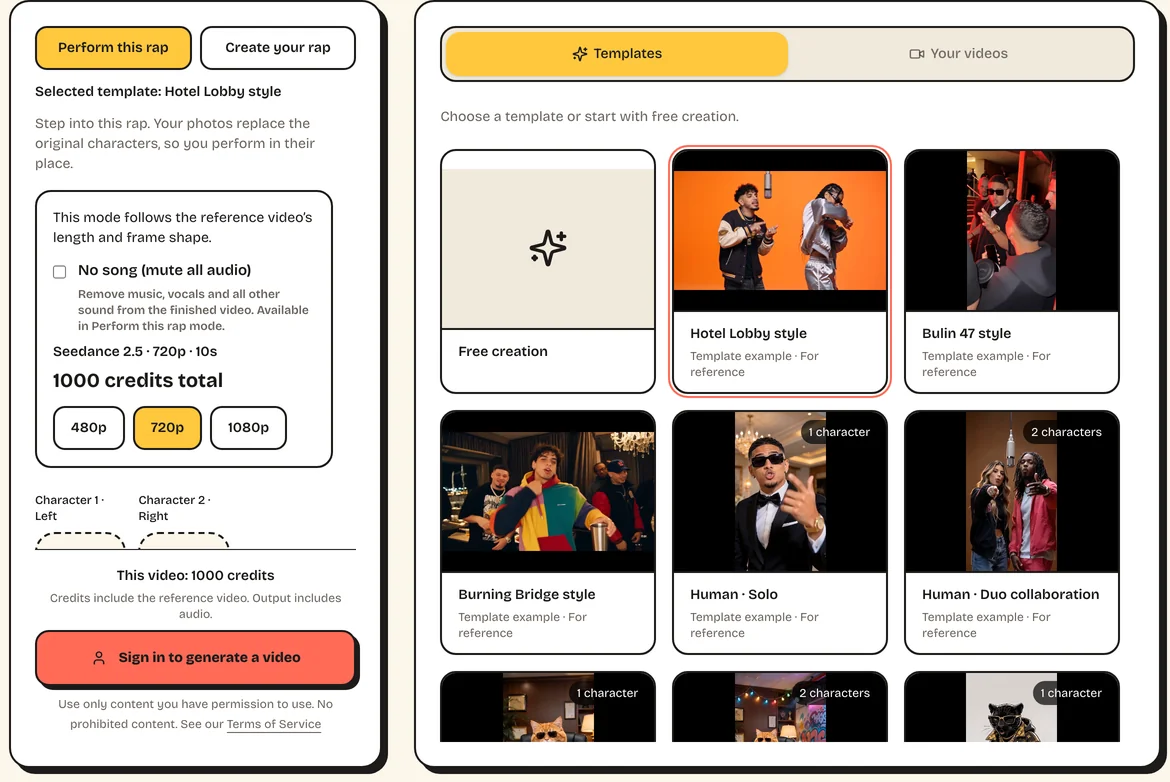
How to Make an AI Rap Video from a Photo
Make an AI rap video with photos matching your template. Compare templates and free creation, check credits, and download the finished clip.

Make your Burning Bridge party performance
Add two photos to perform this rap, or one photo to create your own. Review the quote before generating your MP4.